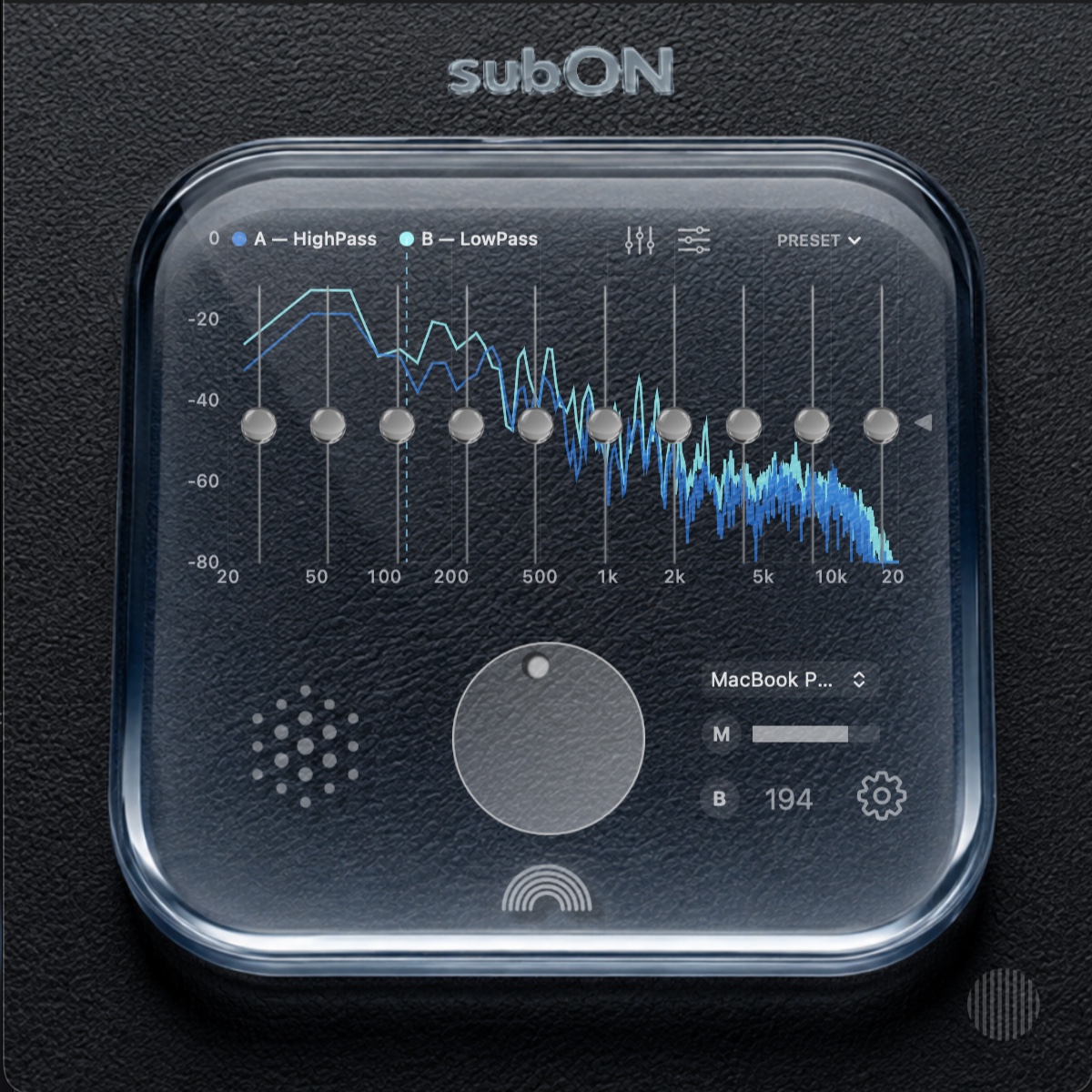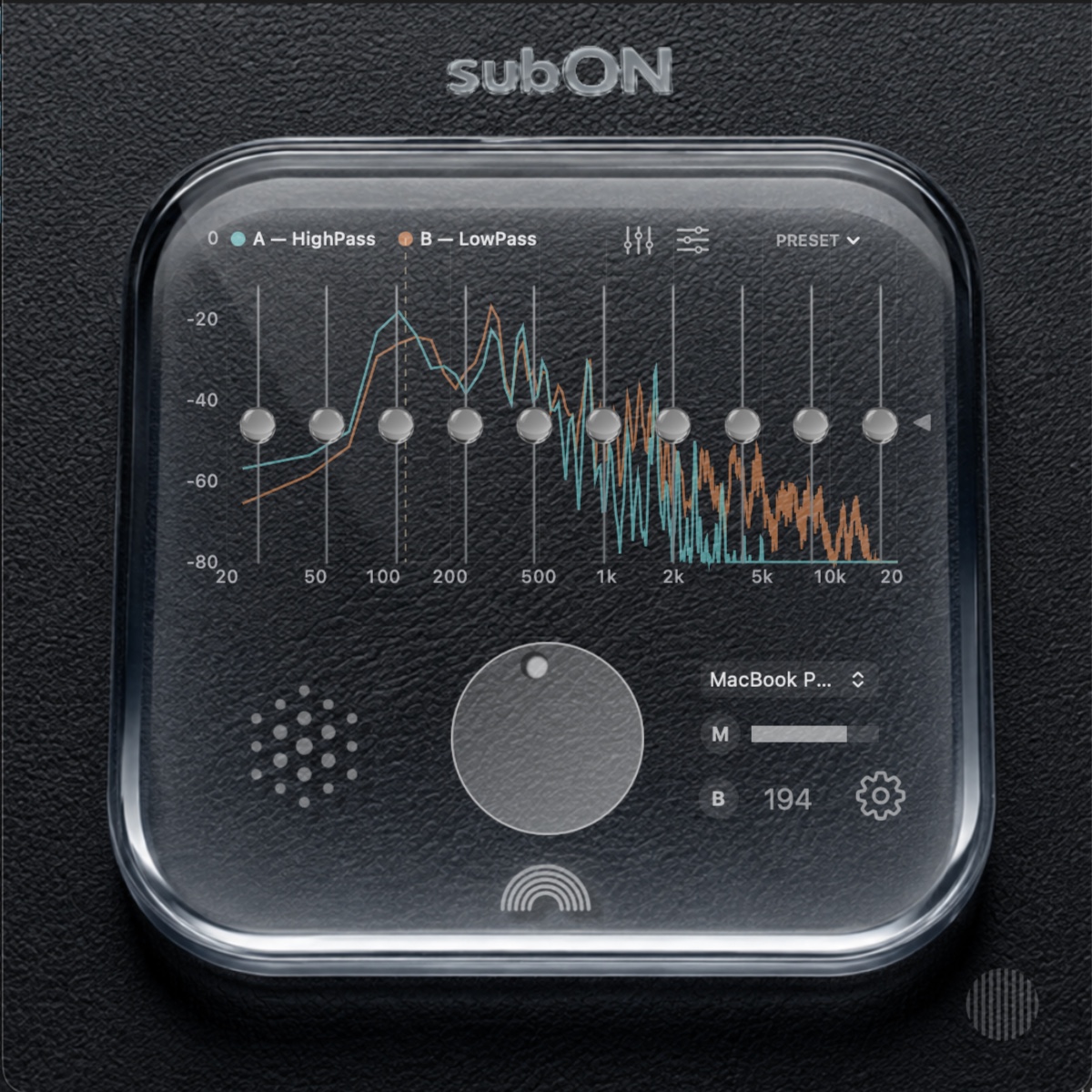
subON for macOS

subON

Macの音を、
活かしたまま。
足りない低音だけを、
プラスする。

Keep the Mac sound
you already love.
Add only the low end it needs.

Macの内蔵スピーカーと外部スピーカーをひとつの再生システムへ。繊細さも、ステレオ感も、そのまま。

Bring the Mac’s built-in speakers and one external speaker together as a single playback system — without giving up clarity or stereo image.

subONについて見るDiscover subON
subON Pro interface
PROAutoCUSB / Bluetooth
Why subON

得意な音を、得意なまま。

Let each speaker do what it does best.

Macの内蔵スピーカーとコンパクトな外部スピーカーには、それぞれ違う強みがあります。subONは片方を置き換えるのではなく、その長所を補完させます。

A Mac’s built-in speakers and a compact external speaker have different strengths. subON does not replace one with the other — it lets them complement each other.

A — MAIN
Macの内蔵スピーカーBuilt-in Mac speakers

繊細さ、明瞭さ、ステレオ感。Macの音を主役のまま使います。

Clarity, detail and stereo image. Your Mac remains the main speaker.

+
subON
自動で整えるAutomatically aligned
B — SUB
外部スピーカーExternal speaker

USBまたはBluetooth。低音の厚みを、必要な分だけ加えます。

USB or Bluetooth. Add the low-end weight that compact Macs cannot provide alone.

Minimal setup

スピーカーを左右に増やさなくてもいい。

Better sound without turning your desk into a speaker setup.

たとえばMacBookの背後にコンパクトなBluetoothスピーカーを1台。デスクのミニマルさを保ちながら、MacBookの音に低域の厚みを加えられます。

Place one compact Bluetooth speaker behind your MacBook. Keep your desk minimal while adding the low-end weight the built-in speakers are missing.

AutoCが遅延、クロスオーバー、Auto-EQを自動調整。複雑な測定値を意識せず、2つの出力を合わせられます。

AutoC automatically aligns delay, crossover and Auto-EQ, so the two outputs work together without requiring you to interpret the measurements yourself.

AutoCDelayCrossoverAuto-EQ
DETAILS

シンプルに使えて、
必要なら深く触れる。

Simple when you want it.
Deep when you need it.

subONは、普段は操作を増やさず使えるようにしながら、必要な場面ではキャリブレーション、カラー、細かな出力設定まで段階的に開けます。

subON stays simple in everyday use, while calibration, appearance and deeper output controls are available when you need them.

01
AUTO CALIBRATION

迷わせない
キャリブレーション。

Calibration without the guesswork.

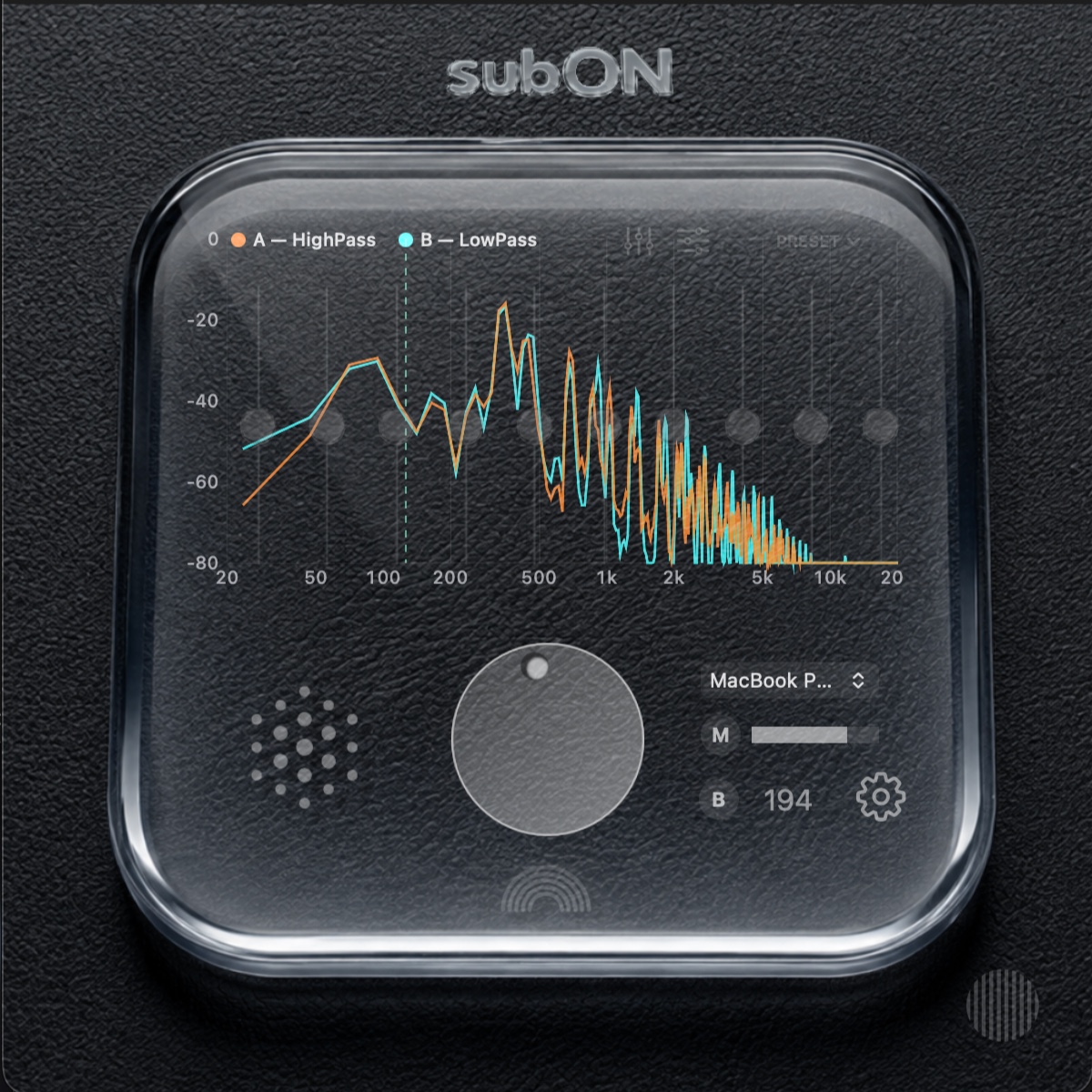
音を鳴らし、スピーカーの音量を合わせ、静かな状態で測定する。始める前に必要なことだけを一画面で伝えます。

Play the sound, match the speaker levels, and keep the room quiet. Everything you need before measurement is shown on one screen.

subON 自動キャリブレーション開始画面
02
PRO SETTINGS

Proでは、必要な人だけ
深く。

Pro goes deeper — only when you want it to.

Settingsパネルへのフルアクセス、手動プリセット、Audio Unitを最大5つまで追加できるUser Effectsなど、基本操作の奥にフルコントロールを用意しています。

Full access to the Settings panel, manual presets, and up to five Audio Unit user effects sit behind the everyday interface.
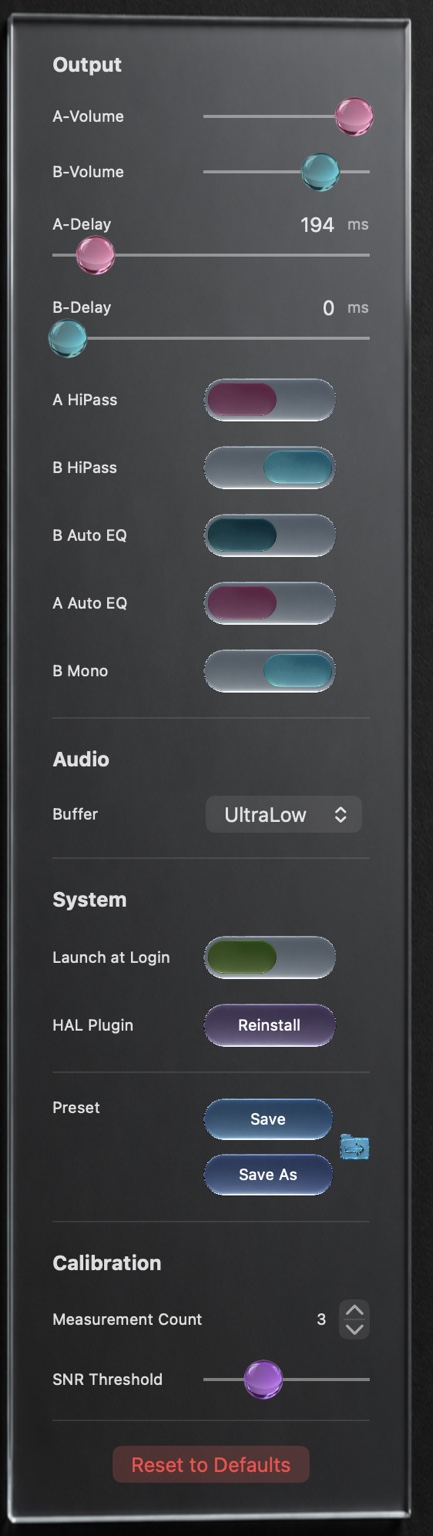
subON Pro版 Settings
AUTO EFFECT SET

測定から、
エフェクトまで自動で。

From measurement
to effects, automatically.

自動計測の結果から、環境に合ったエフェクトのパラメータを自動設定。測定後に細かな数値を追い込むことなく、そのまま適切なサウンドへ進めます。

Measurement results automatically set effect parameters for your environment, taking you directly from calibration to a properly tuned sound.

NormalPro
Editions

必要な深さで
選べる3つのsubON。

Three ways into the same subON idea.

どのエディションでも、A/B同時再生とAutoCによる基本体験は共通。上位版ほど、音作りとカスタマイズの自由度が広がります。

Every edition includes the core A/B playback and AutoC experience. Higher editions add deeper sound shaping and customization.

subON Simple
シンプルSimple
subONの基本効果を、迷わず使いたい人へ。The essential subON experience with the least friction.
  • A/B同時再生・B出力選択
  • AutoC / クロスオーバー
  • 自動保存Automatic save
  • Setapp で配信予定planned
subON Normal
ノーマルNormal
自動調整された音を、さらに完成度高く。A more refined result with built-in processing and G-EQ.
  • シンプルの全機能Everything in Simple
  • G-EQ
  • 内蔵固定エフェクトBuilt-in fixed effects
  • カラー調整Color customization
  • プロへアップグレード可能Upgradeable to Pro
FEATURED
subON Pro
プロPro
自分の再生環境を、さらに深く作り込みたい人へ。For people who want deeper control over their own playback system.
  • ノーマルの全機能Everything in Normal
  • Audio Unit × 5
  • 手動プリセット Save / Save As / LoadManual preset Save / Save As / Load
  • SettingsパネルへのフルアクセスFull access to the Settings panel
動作環境 System requirements Apple Silicon の Mac、macOS 14 以降 Apple Silicon Mac, macOS 14 or later
Appearance

音だけでなく、
subONの表情も。

Tune the look as well as the sound.

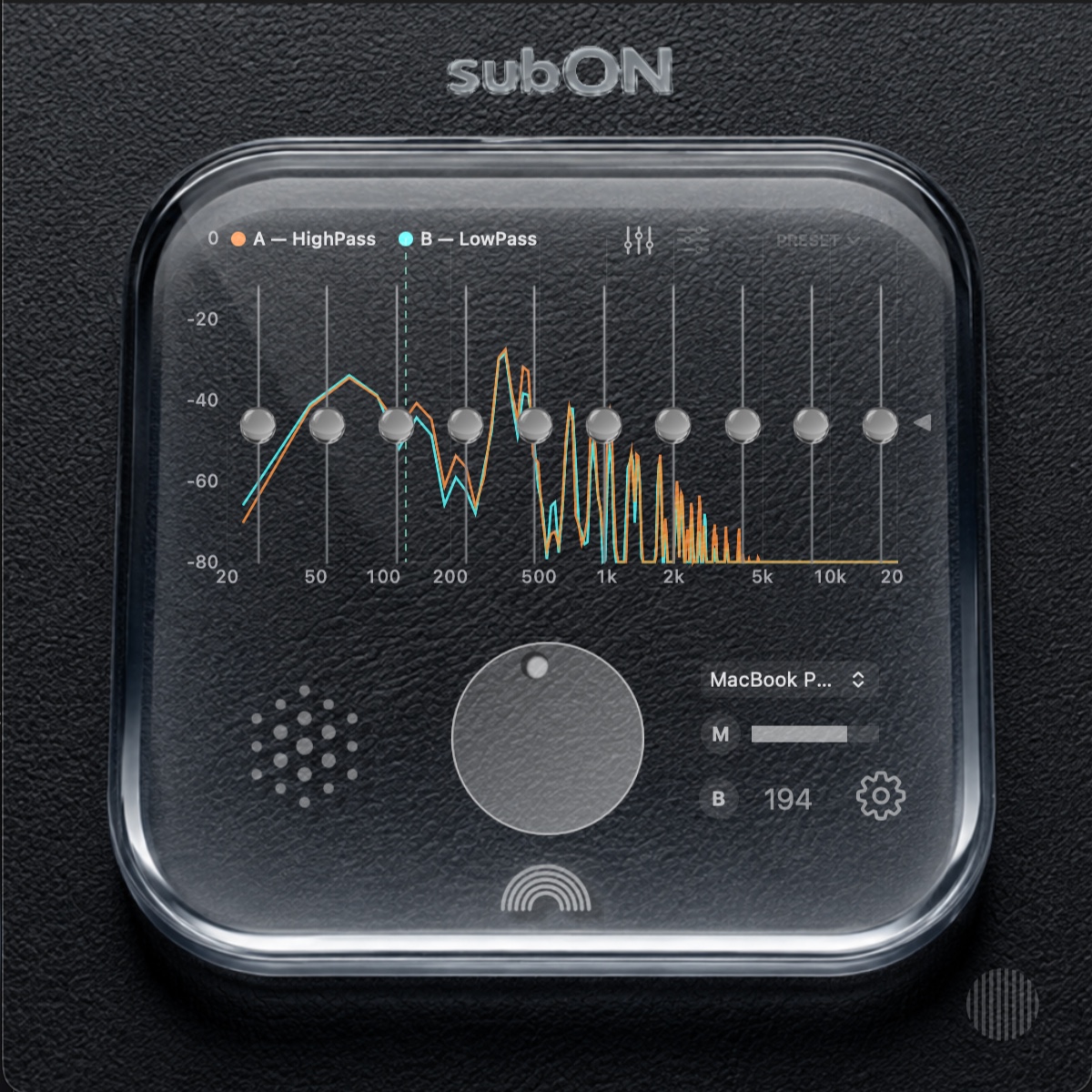
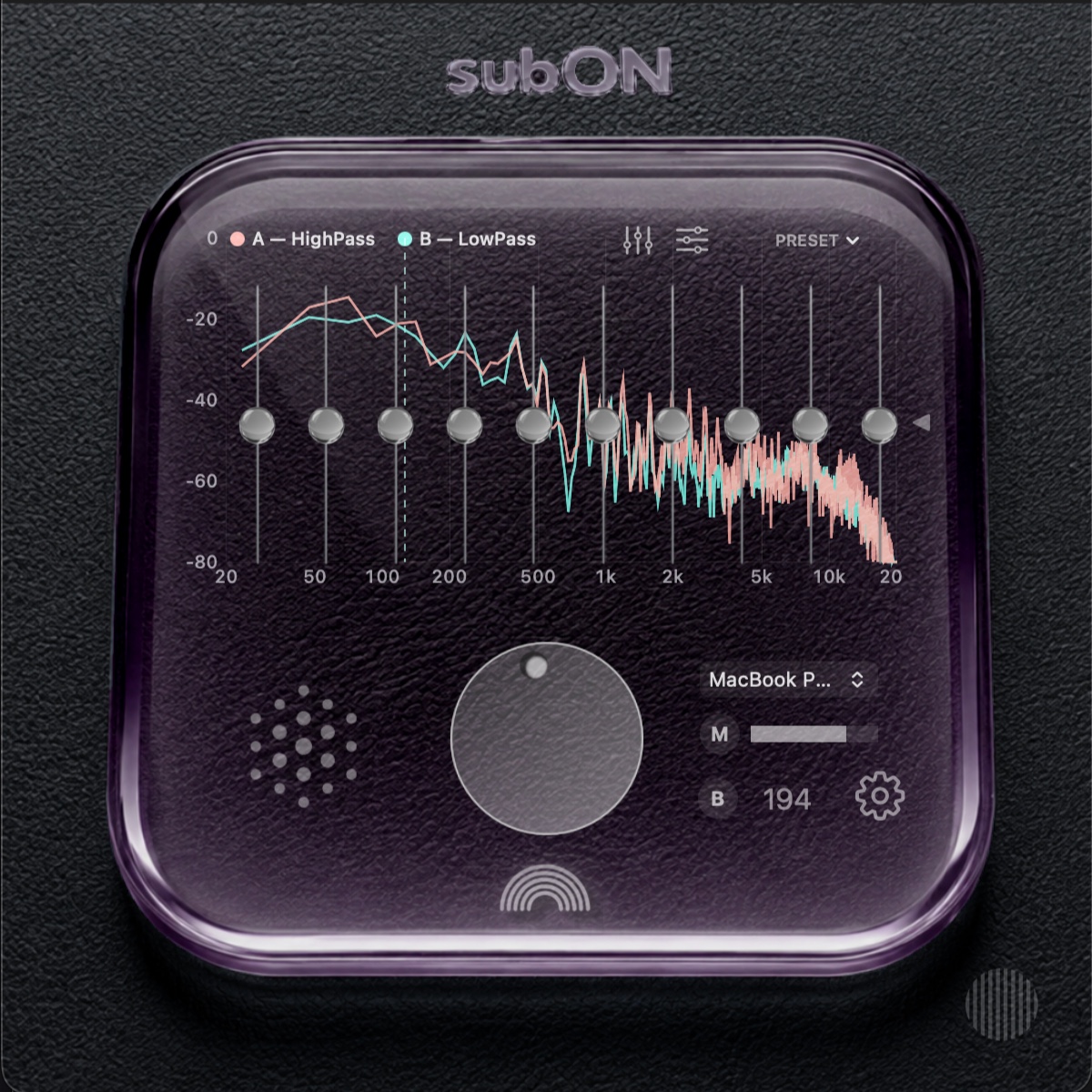
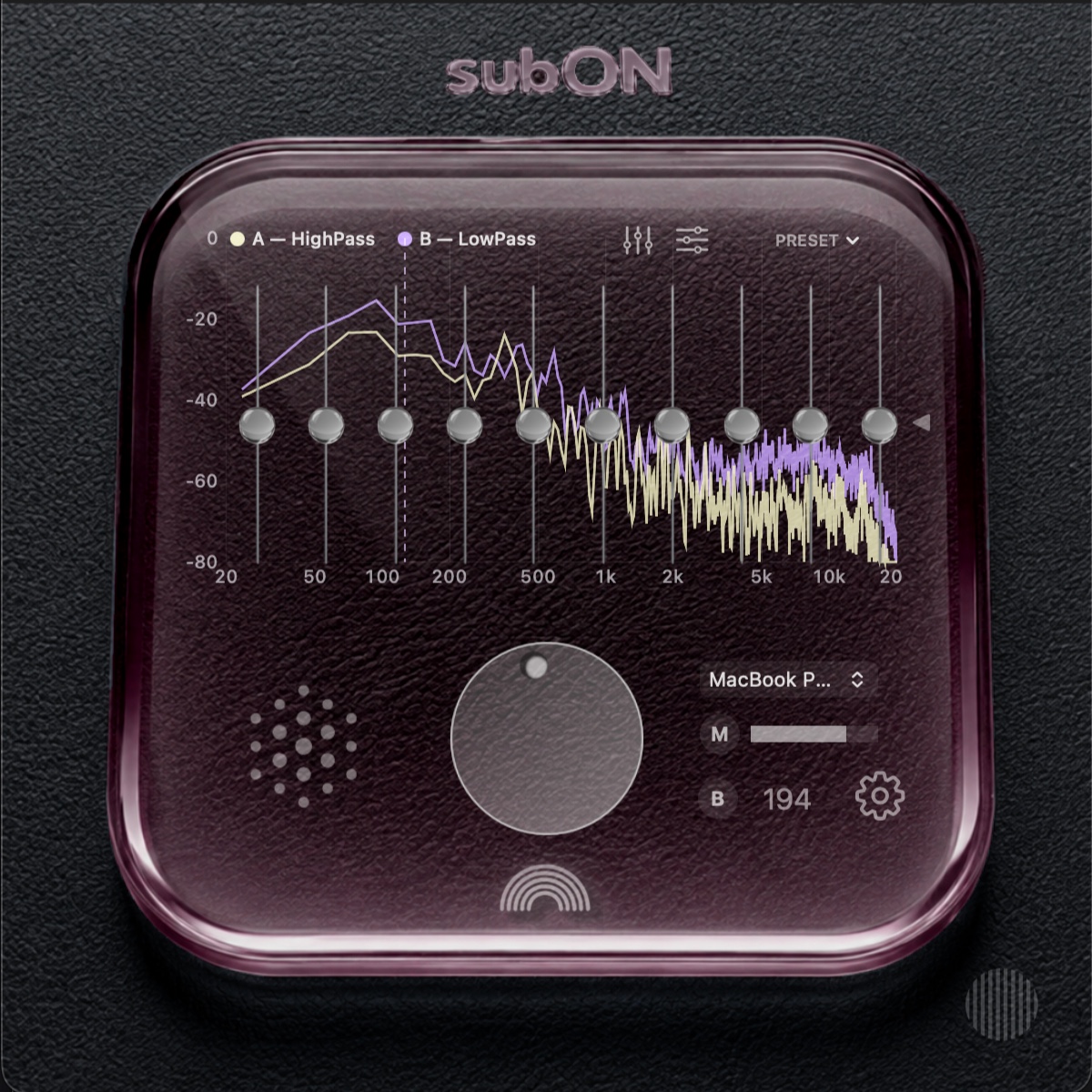
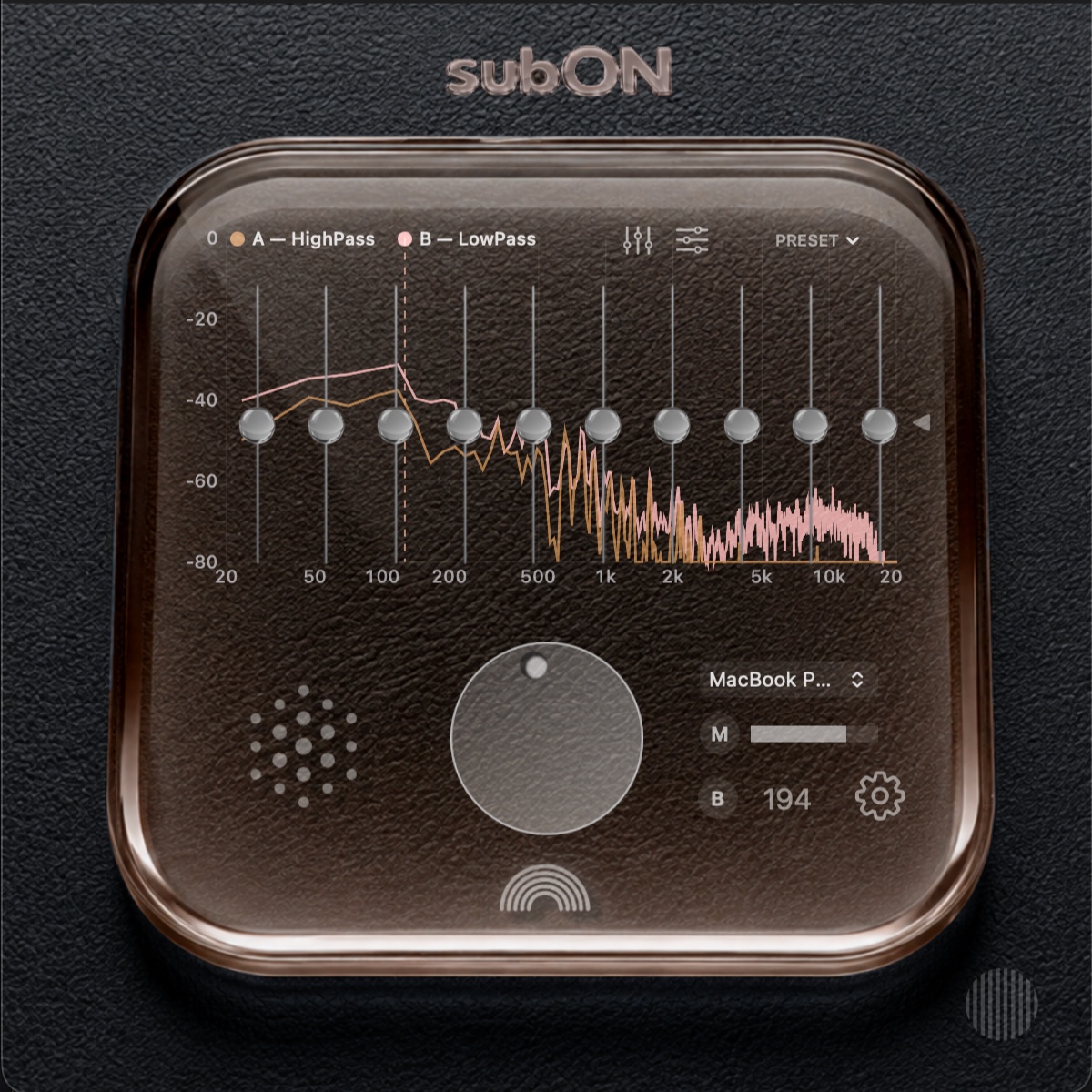
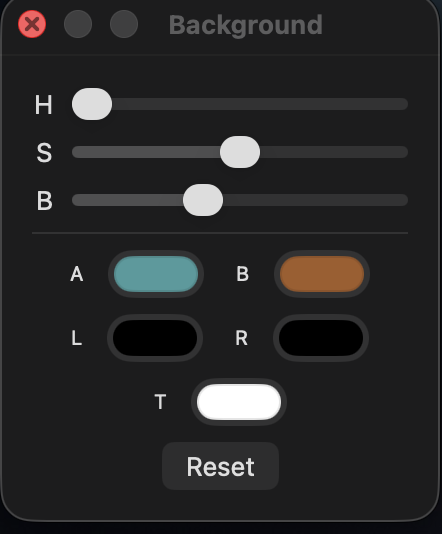
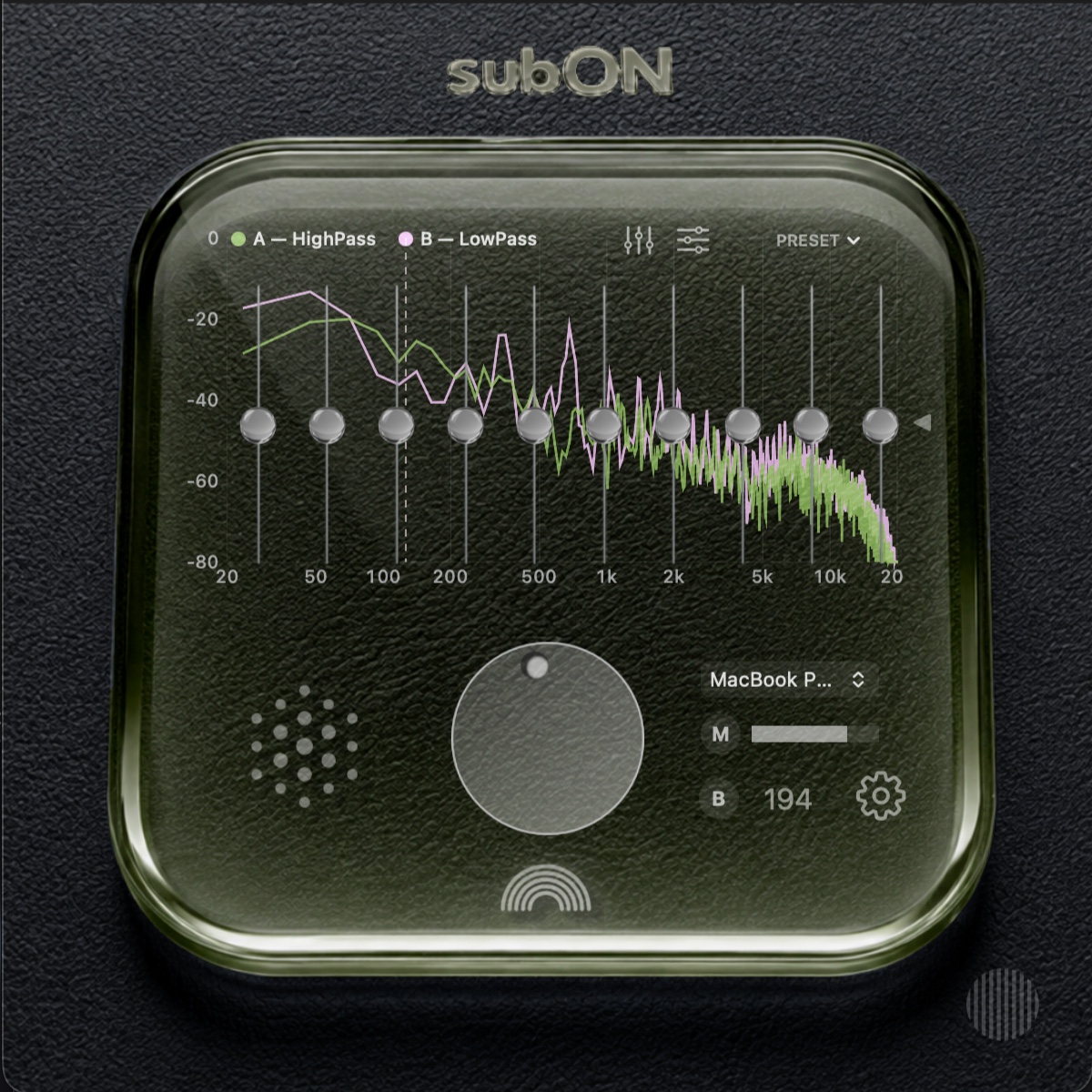
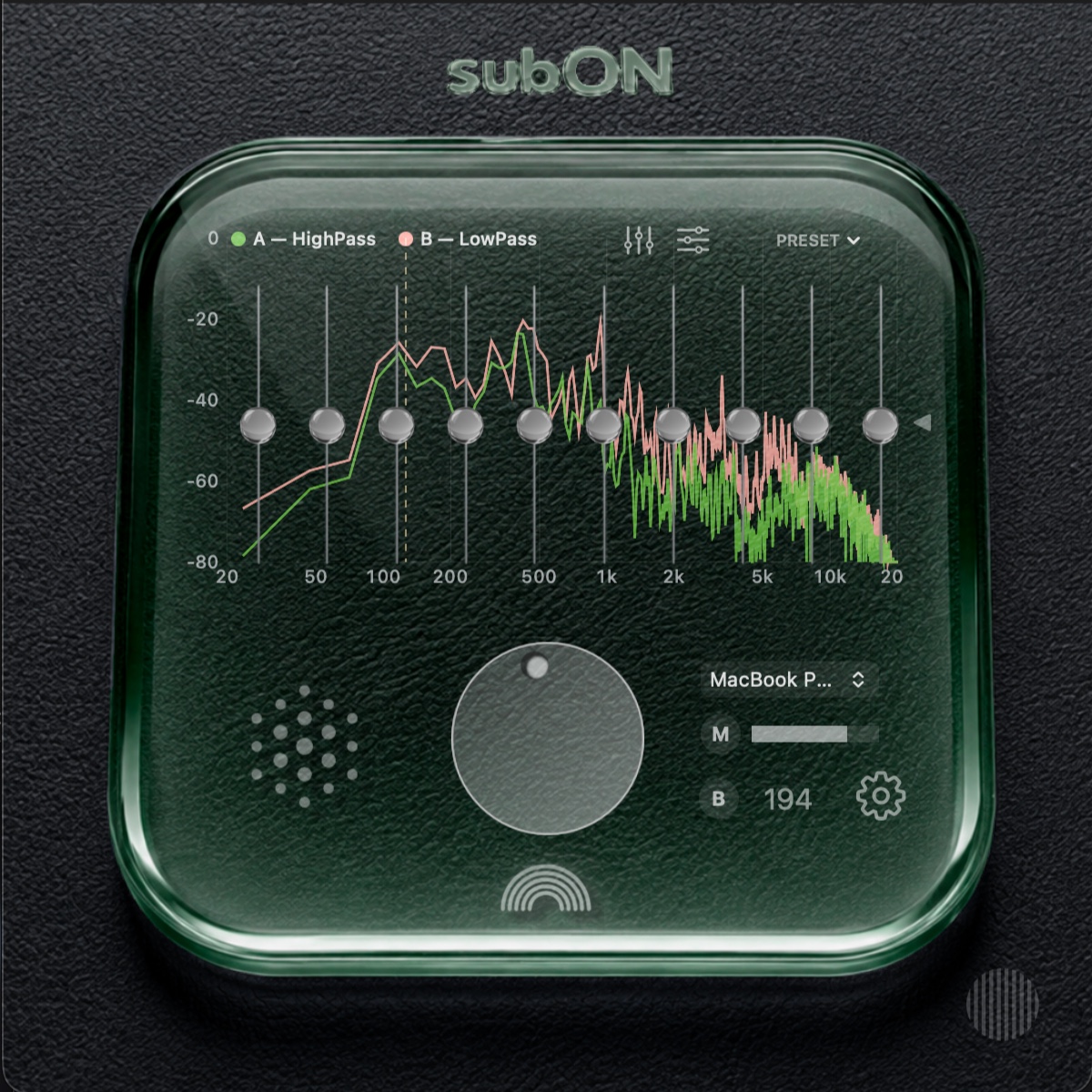
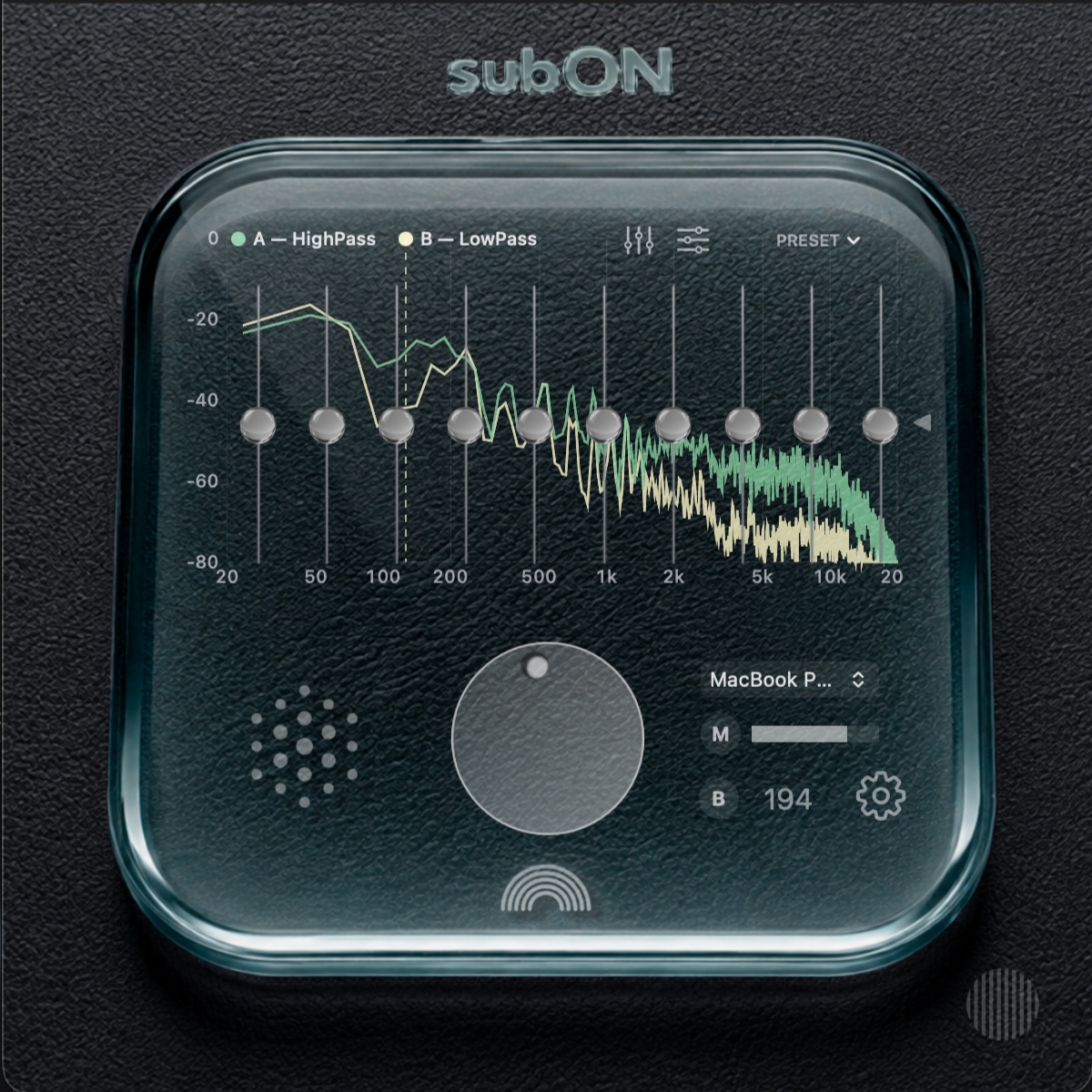
ノーマル / プロではHueなどを無段階に調整可能。プロではFFTメーター色など、一部の見た目もさらに細かく設定できます。

Normal and Pro allow continuous color adjustment such as hue. Pro adds further appearance controls, including FFT meter colors.

subON color variation 1
subON color variation 2
subON color variation 3
subON カラー設定パネル
subON color variation 4
subON color variation 5
subON color variation 6
subON color variation 7

シンプル版の外観は固定です。ノーマル / プロでは好みに合わせて調整できます。

Simple uses a fixed appearance. Normal and Pro can be adjusted to suit your setup.

How it works

設定を増やすためではなく、
設定を減らすための
自動化。

Automation that removes setup instead of adding more of it.

AutoC

キャリブレーションによって遅延補正、クロスオーバー、Auto-EQを合わせます。

Calibration aligns delay compensation, crossover and Auto-EQ.

自動保存

Automatic save

設定は全グレードで自動保存。再起動後も前回の状態に戻ります。

All editions automatically save their state and restore it after relaunch.

外部出力

External output

BにはUSBまたはBluetoothスピーカーを選択できます。Bluetoothは音楽再生用として使用します。

Choose a USB or Bluetooth speaker for output B. Bluetooth is used for music playback.

HAL

subONの音声処理には仮想オーディオデバイス(HALプラグイン)が必要です。アプリからインストーラを起動します。

subON requires a virtual audio device (HAL plug-in) for audio processing. Its installer is launched from the app.

Coming soon

Macの音を、好きなまま広げる。

Expand the sound of your Mac without replacing what you already like.

ノーマル / プロはこのサイトで販売予定。シンプルはSetappでの配信を予定しています。価格とダウンロードは準備中です。

Normal and Pro are planned for direct sale here. Simple is planned for Setapp. Pricing and downloads are still being prepared.

ダウンロード準備中Download coming soonSetapp — 配信予定planned